LAN
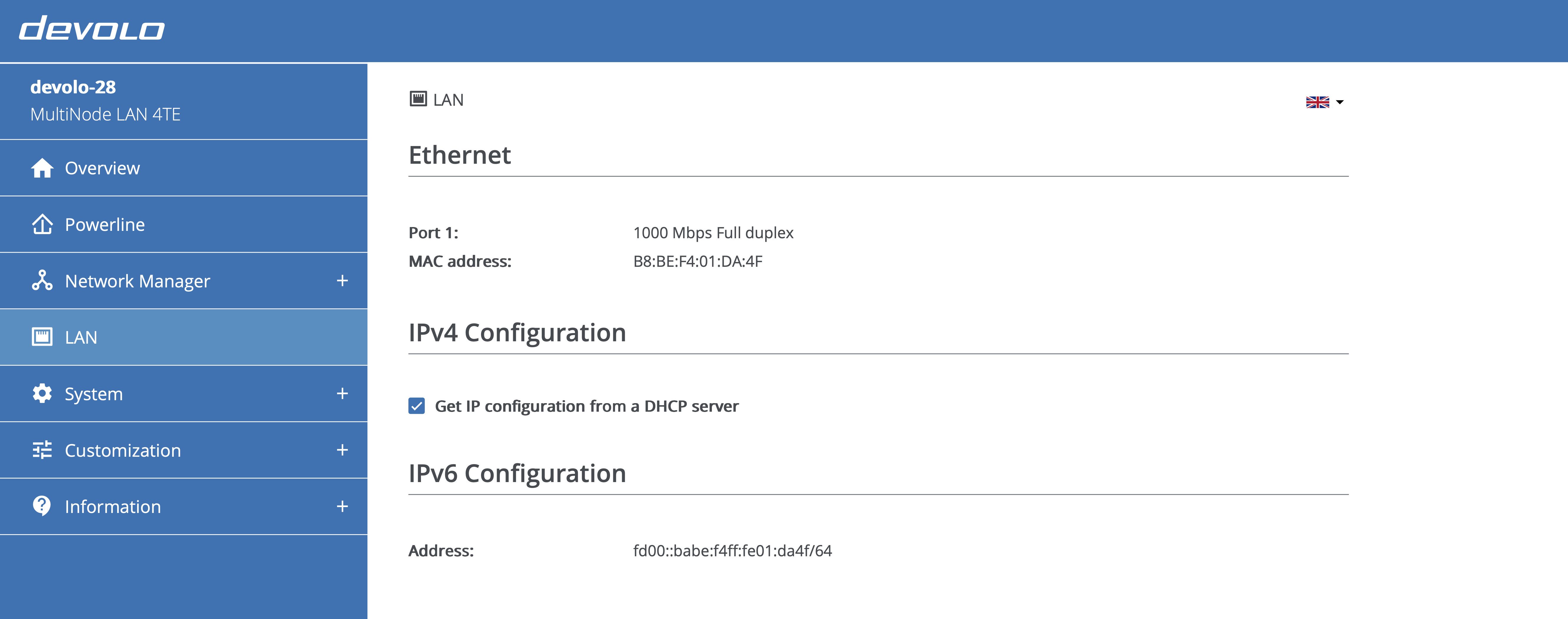
Use the LAN page to check link status and manage IP settings for MultiNode LAN 4TE.
Ethernet
The Ethernet section shows whether the port is connected, the negotiated speed and duplex mode (for example, "1000 Mbps full duplex"), and the device MAC address.
IPv4 configuration
By default, the device requests an address from a DHCP server. Leave Get IP configuration from a DHCP server enabled when a DHCP server is available so the device always receives its settings automatically.
To use a static configuration, disable the DHCP option and enter the IPv4 address, subnet mask, default gateway, and name server. Click the disk icon to save, then restart the device to apply the new settings.
IPv6 configuration
This section lists the global IPv6 address that the device uses for Internet connectivity.